
ZX Touch · Windows Companion
ZX Touch PC Tool
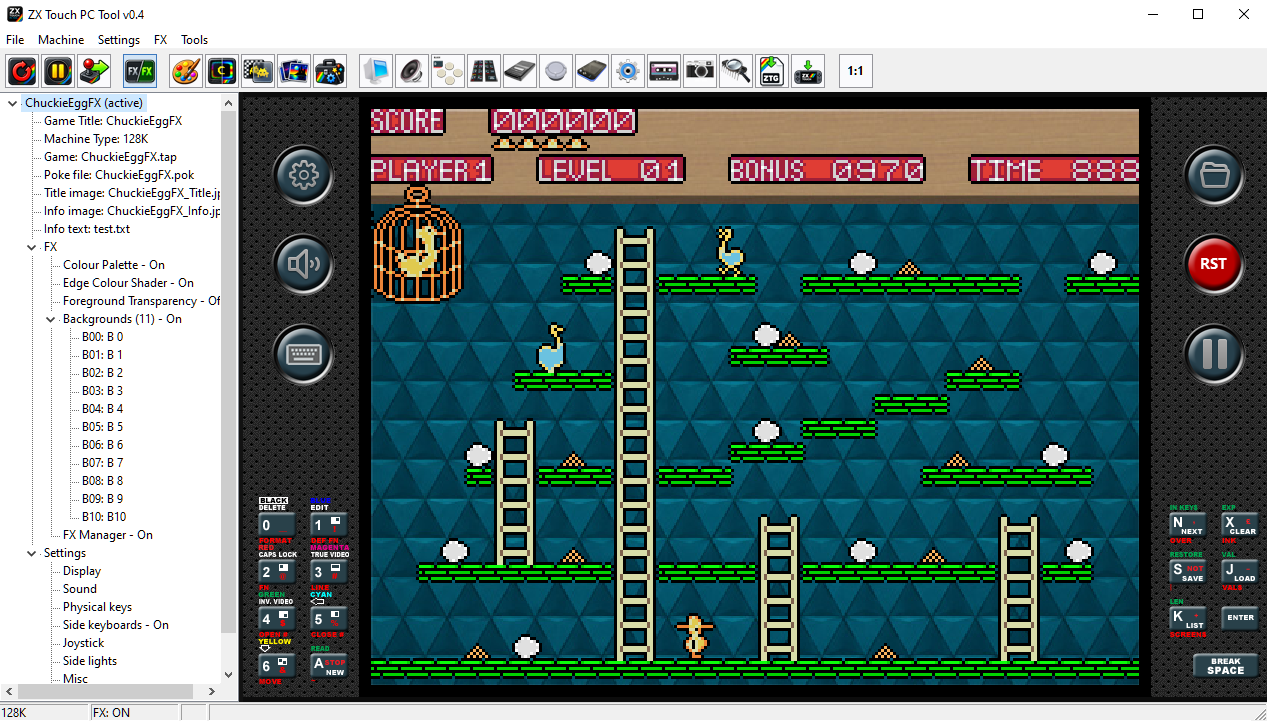
A Windows tool for two things: designing FX packages with a built-in ZX Spectrum emulator, and arranging your game collection into the dashboards the console shows at startup. See every change instantly. Send to your console in one click over WiFi.
No installation required · Single .exe file · Windows · Free download
Why use the PC Tool
More than the console can do
The console is the master — but several tasks are faster, clearer or simply only possible from a PC.
See it instantly
Built-in emulator shows your FX result as you configure it. No SD card, no copying files back and forth to test a single change.
All 50 markers at once
FX Manager shows the complete marker table with descriptions. On the console you page through them one at a time.
Automatic image preparation
Add any photo from a camera. The tool scales, converts and compresses it to a size budget you control. The preview shows exactly what the console will show.
Send directly to console
Build the package and send it to your ZX Touch over WiFi in one click. It lands in the library ready to play.
Dashboard Editor
Arrange your game collection
The dashboard editor is the second half of the tool — and for many users the main reason to have it.
Drag your ZTG packages into order, name each dashboard, and preview exactly how it will look on the console — the same three-icon grid, the same title images, the same layout the device shows.
When you are done, export a single folder and copy it to the SD card. DASHBOARDS and LIBRARY land in the right place and the console shows what you arranged here.
Each dashboard holds up to 50 games. You can have as many dashboards as you need.
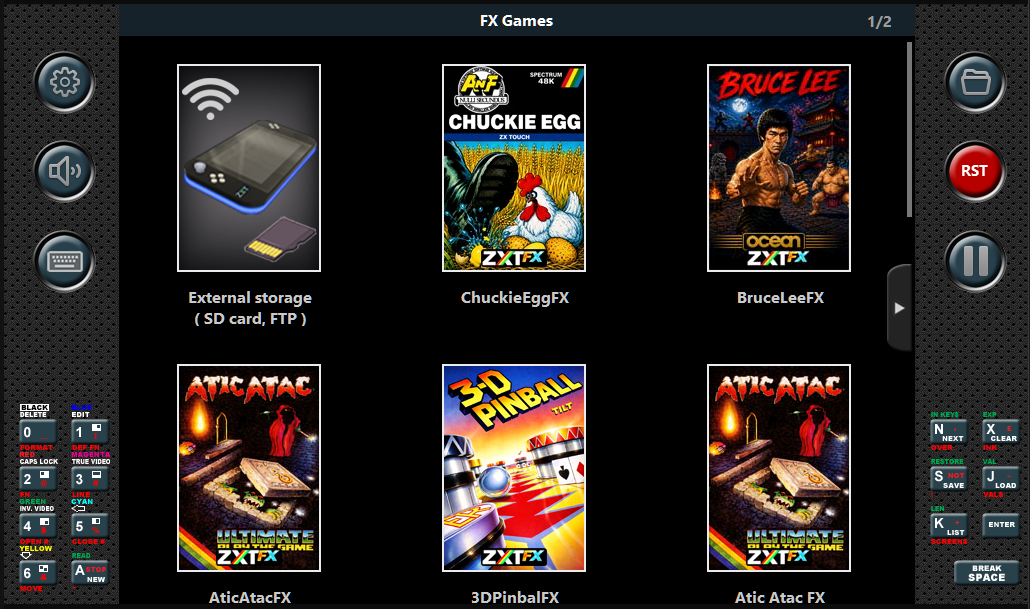
Dashboard preview — drawn exactly as the console draws it
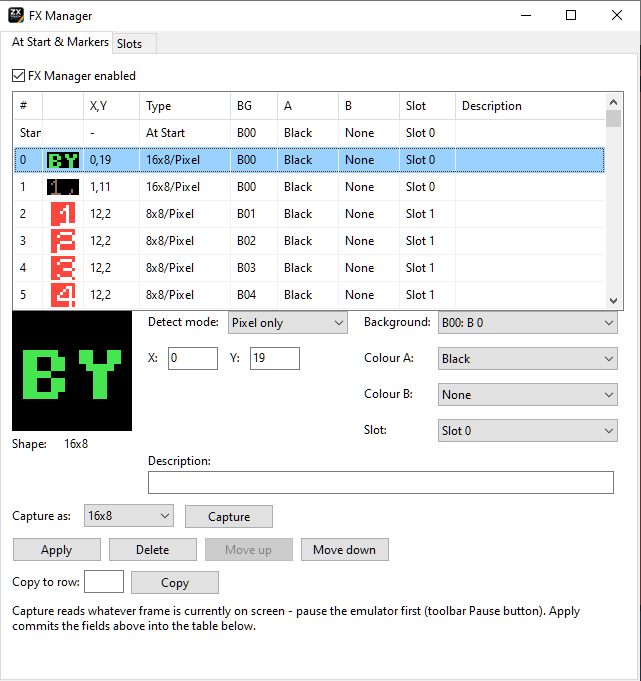
FX Manager — all 50 markers visible at once with descriptions
FX Design
Three things the console cannot do
Background Images
What you see is what ships
Add a photograph straight from a camera. The tool scales it to the right resolution, converts it and compresses it to a size budget you set in kilobytes.
The preview shows exactly what will go into the package — including any compression — so there are no surprises after export.
The PNG screenshot captures the foreground at 512×384 with transparent background pixels, ready to drop straight onto a candidate background in your image editor.
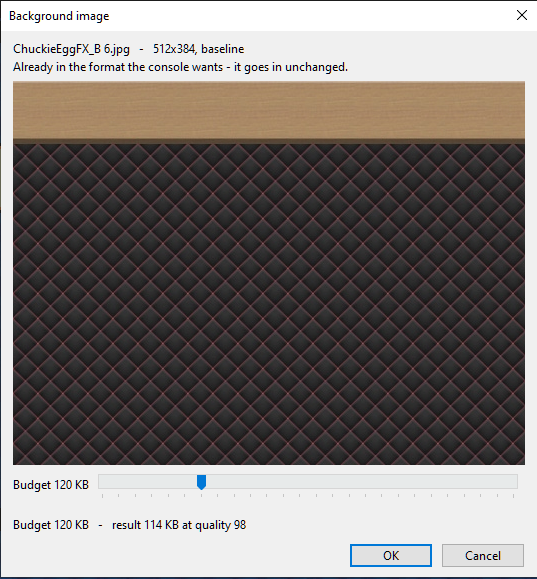
Size budget dialog — the preview shows the actual compressed result
Typical workflow
From game file to console
The complete path from a raw game file to a finished package on your ZX Touch.
Ready to start?
Download PC Tool
Put the .exe in a folder of its own and run it. No installation, no administrator rights, nothing written to your system.
Windows · Free · No installation required